
Download
Download Profit Outpost
The desktop app for macOS and Windows, and the Chrome extension. You need an early-access account to sign in.
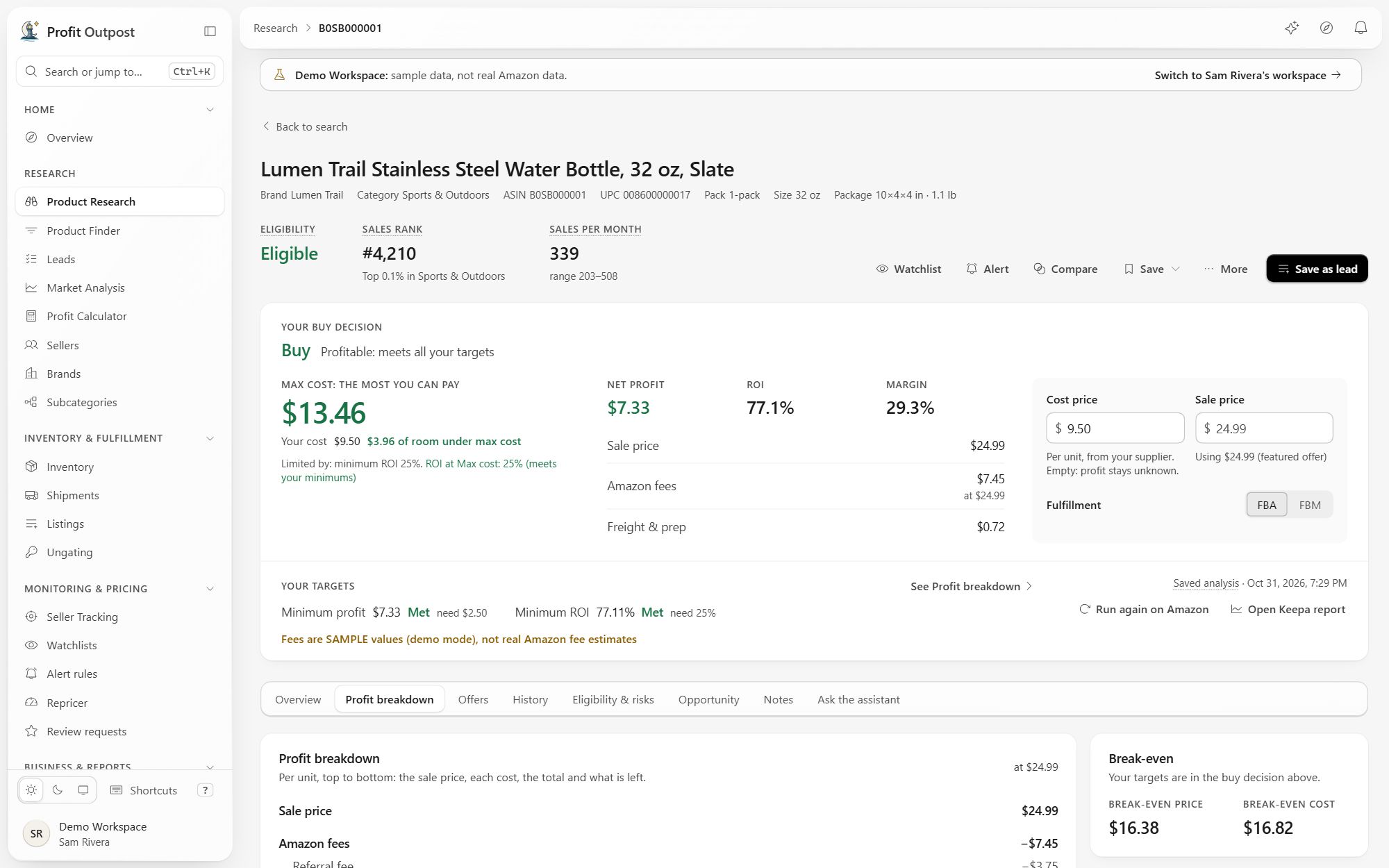
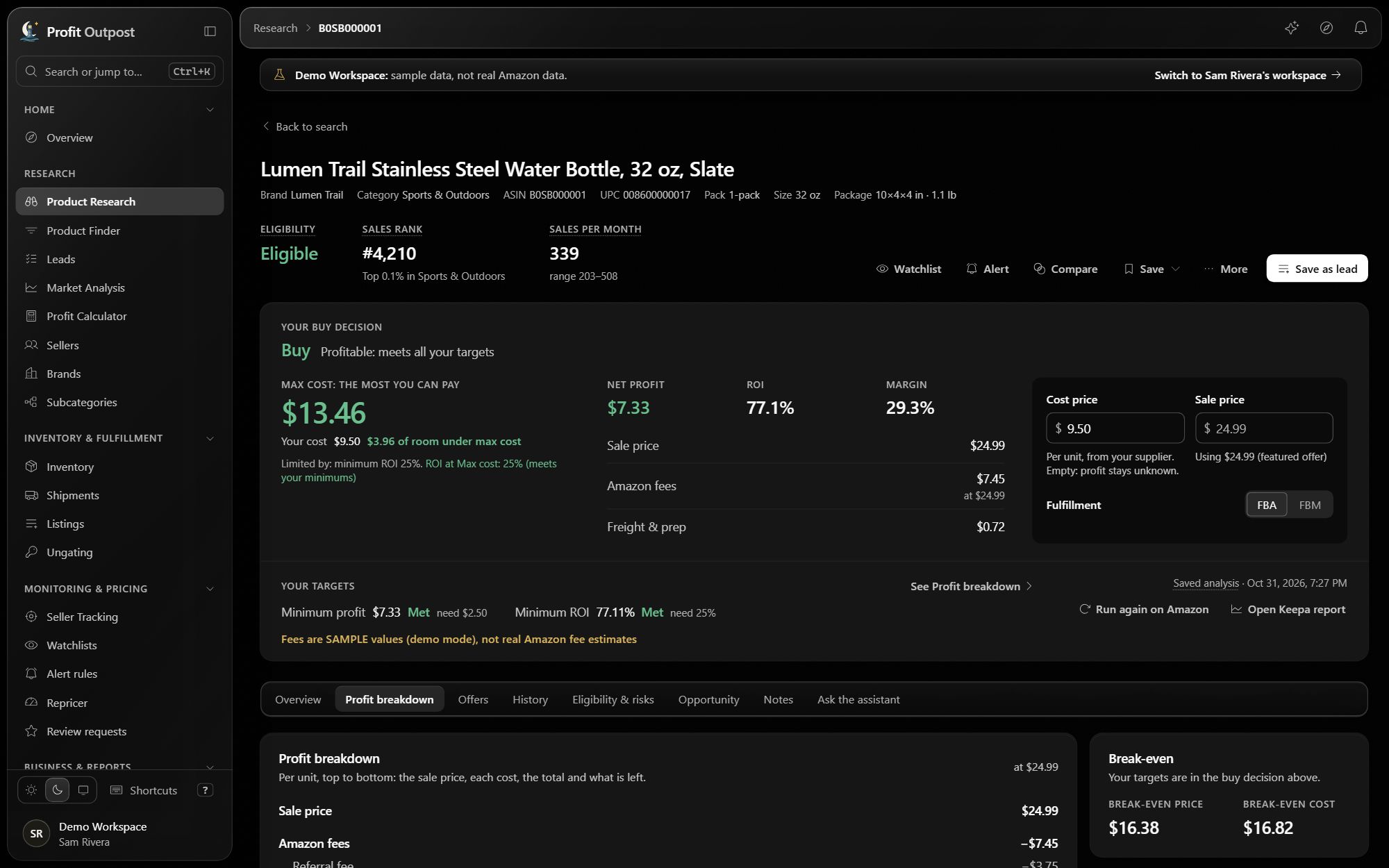
Before you open it
These early-access builds aren't code-signed yet, so your computer will warn you the first time you open one.
- macOS: open the .dmg and drag Profit Outpost to Applications. If macOS says it can't check the app, open System Settings, Privacy & Security, and choose Open Anyway.
- Windows: run the installer. If SmartScreen says it protected your PC, choose More info, then Run anyway.
The app checks for updates on its own and shows you what changed before you install. Your settings, leads and research live in your workspace, so a new version or a new computer picks up where you left off.
Chrome extension In testing
It isn't in the Chrome Web Store yet.
- Unzip it.
- Open
chrome://extensionsand turn on Developer mode. - Choose Load unpacked and pick the unzipped folder.
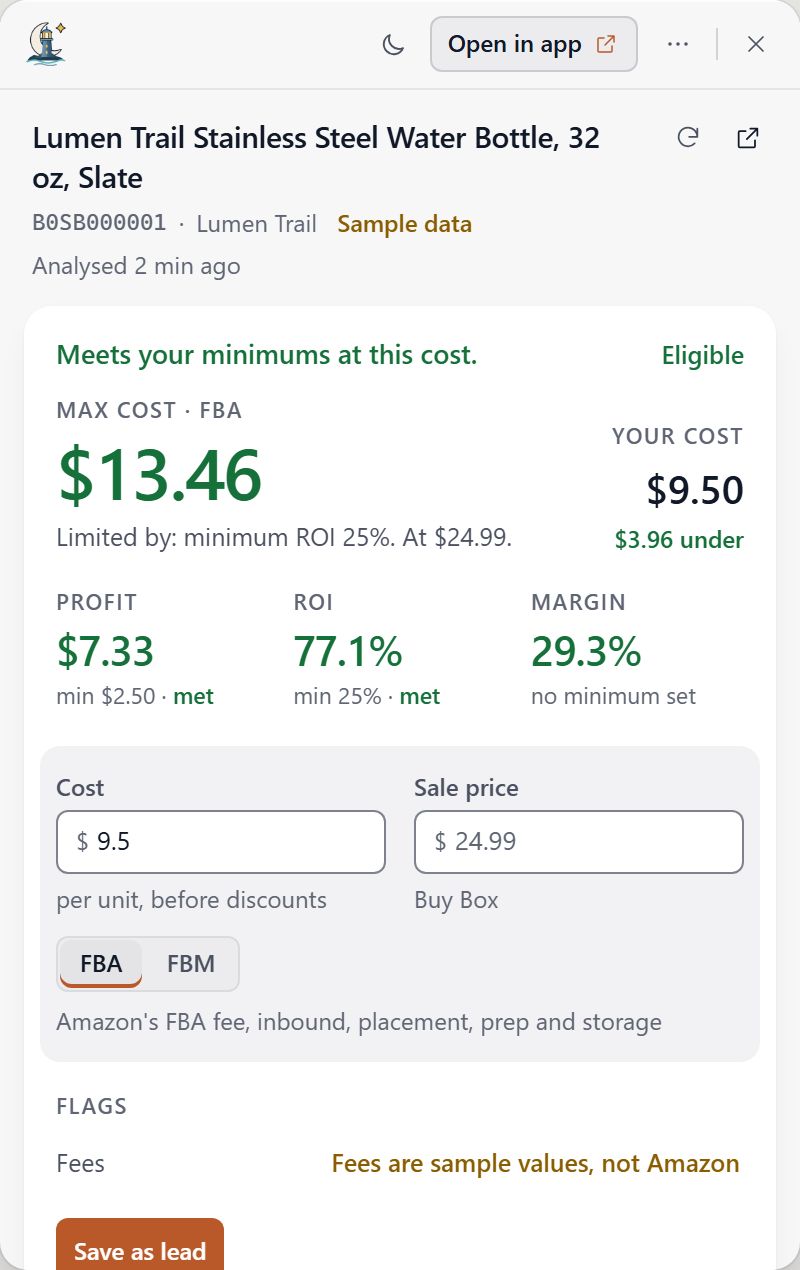
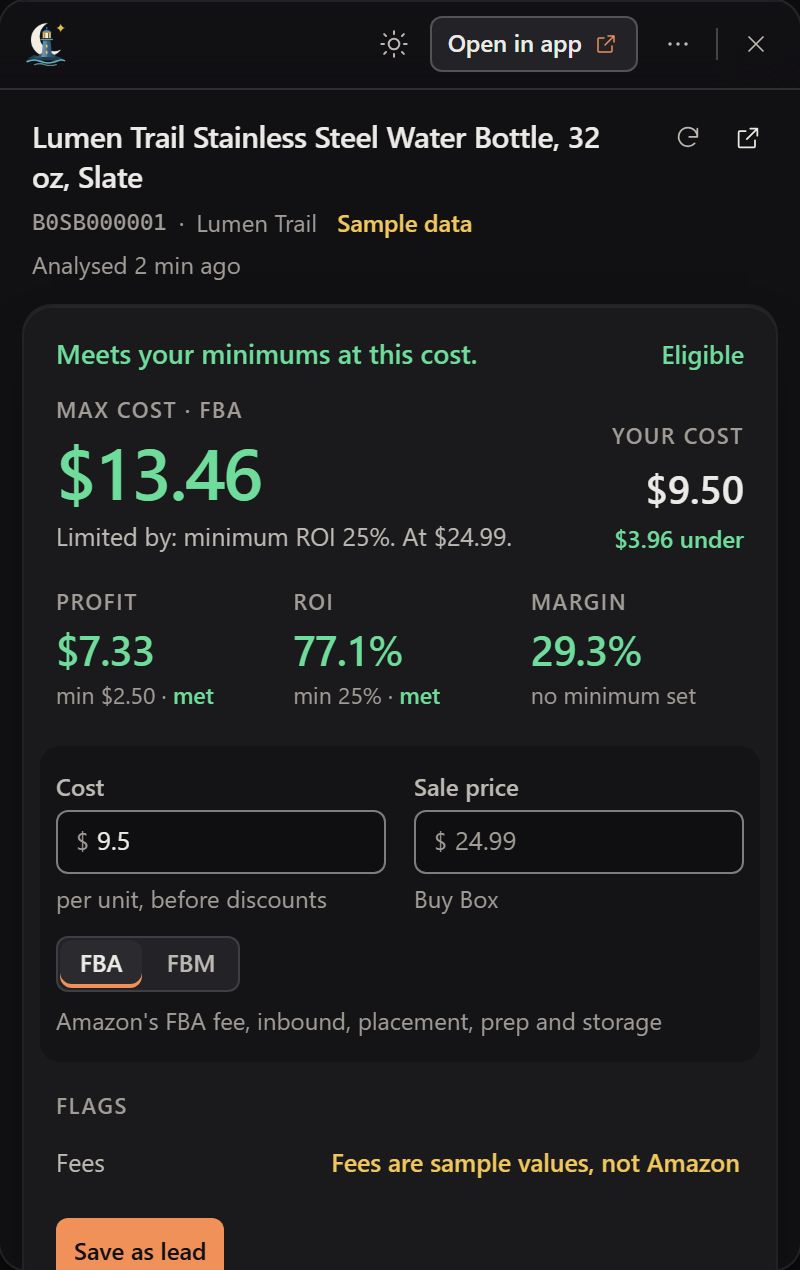
- Click the Profit Outpost icon in Chrome's toolbar and sign in with your Profit Outpost account.
Accounts and billing
We create your account with your early access, and you sign in from the app, the extension or your account page. Subscriptions aren't on sale yet. Send billing questions to support@profitoutpost.com.
Profit Outpost is in early access. The downloads, sign-in and your account page use the early-access service, Profit Outpost's pre-launch environment (its builds and files are named "Staging"). It is the only one today. A production service replaces it when subscriptions open, and this page will say when it has. Payments there run in test mode, so no real card is charged.